System Login
After installing the system, you need to configure the initial settings on the first boot.
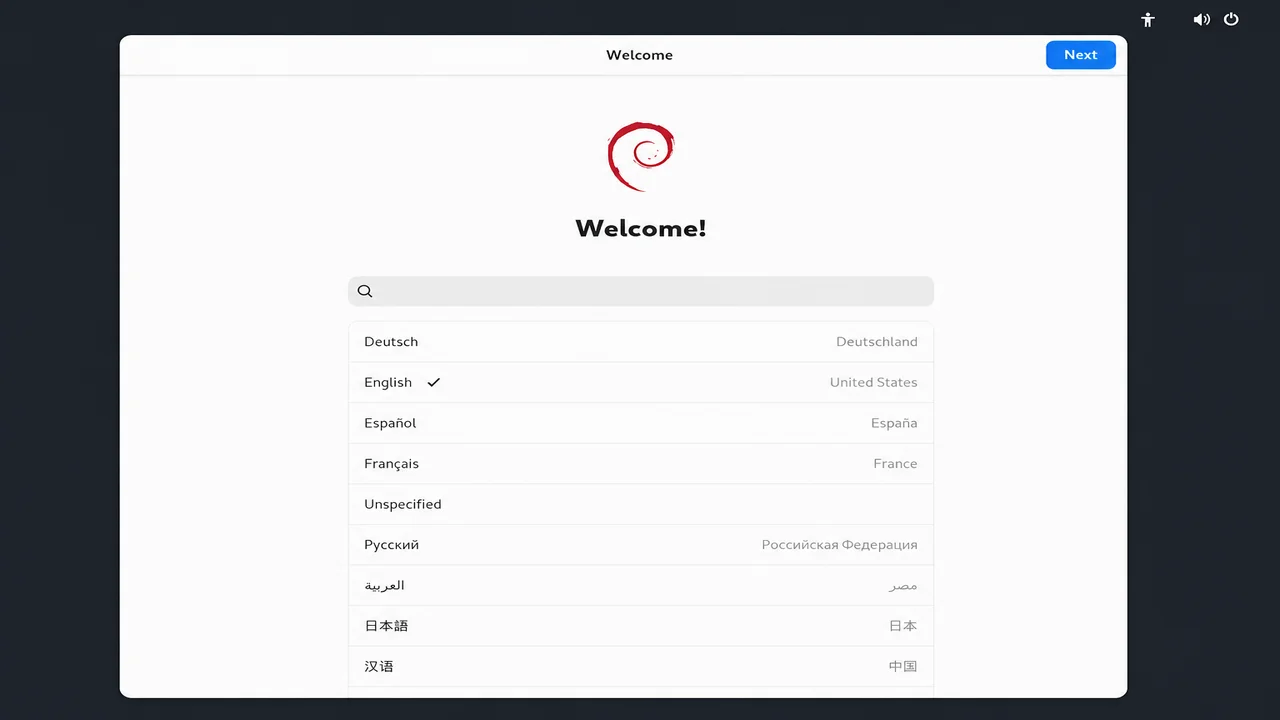
Select the language.
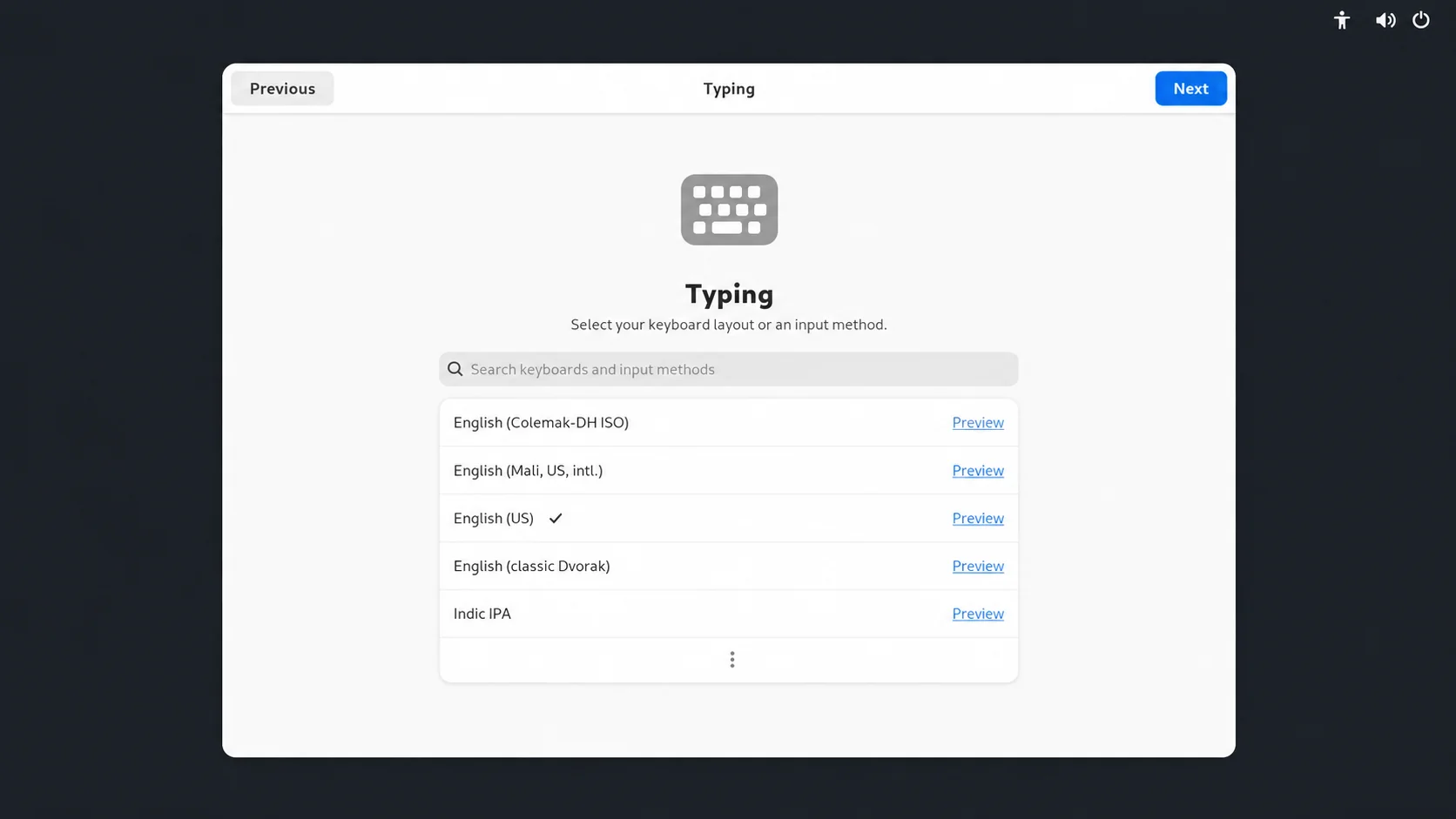
Select the input method.
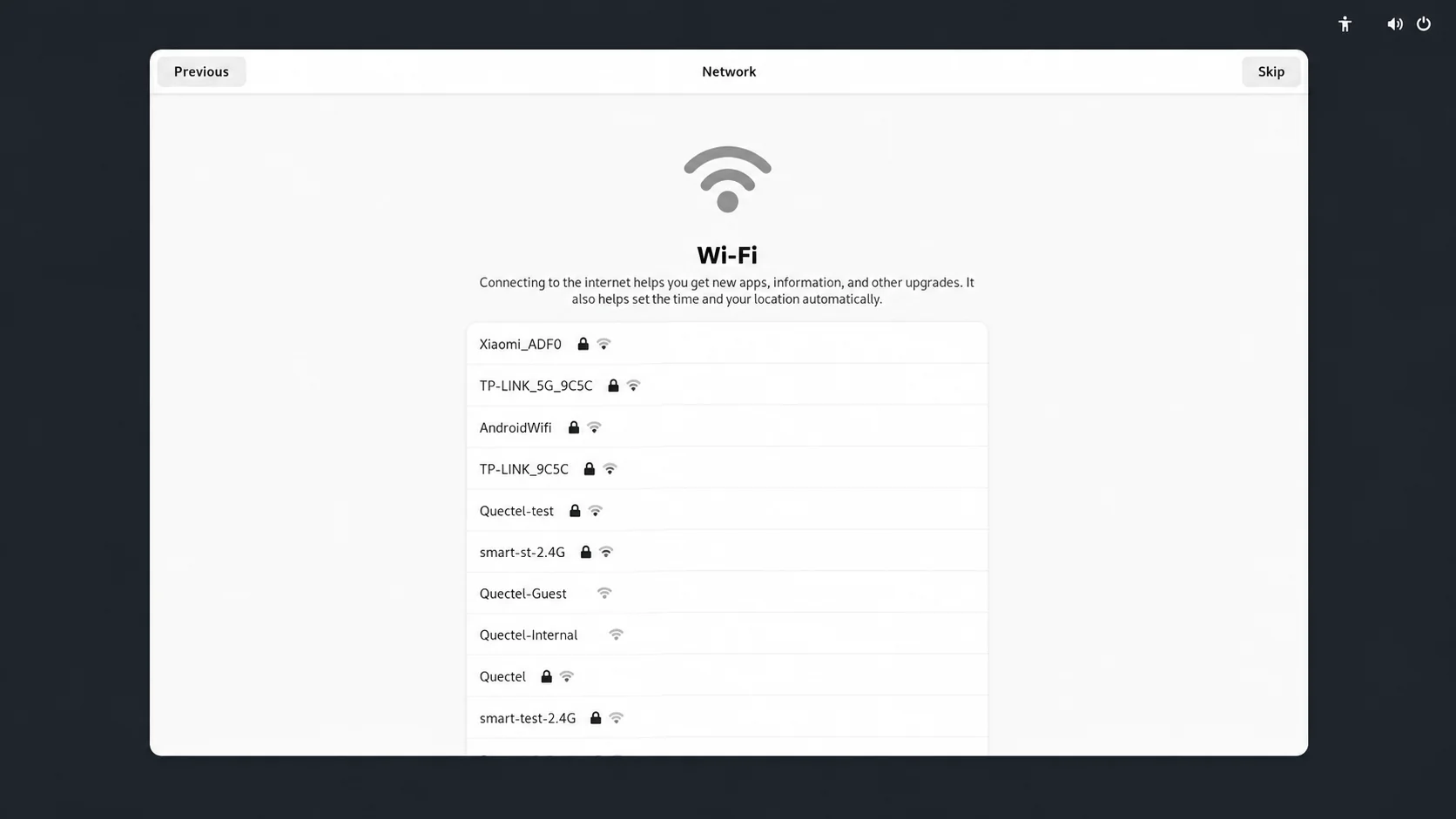
Select a Wi-Fi network. If you do not want to connect at this time, click Skip in the upper-right corner.
Configure Location Services.
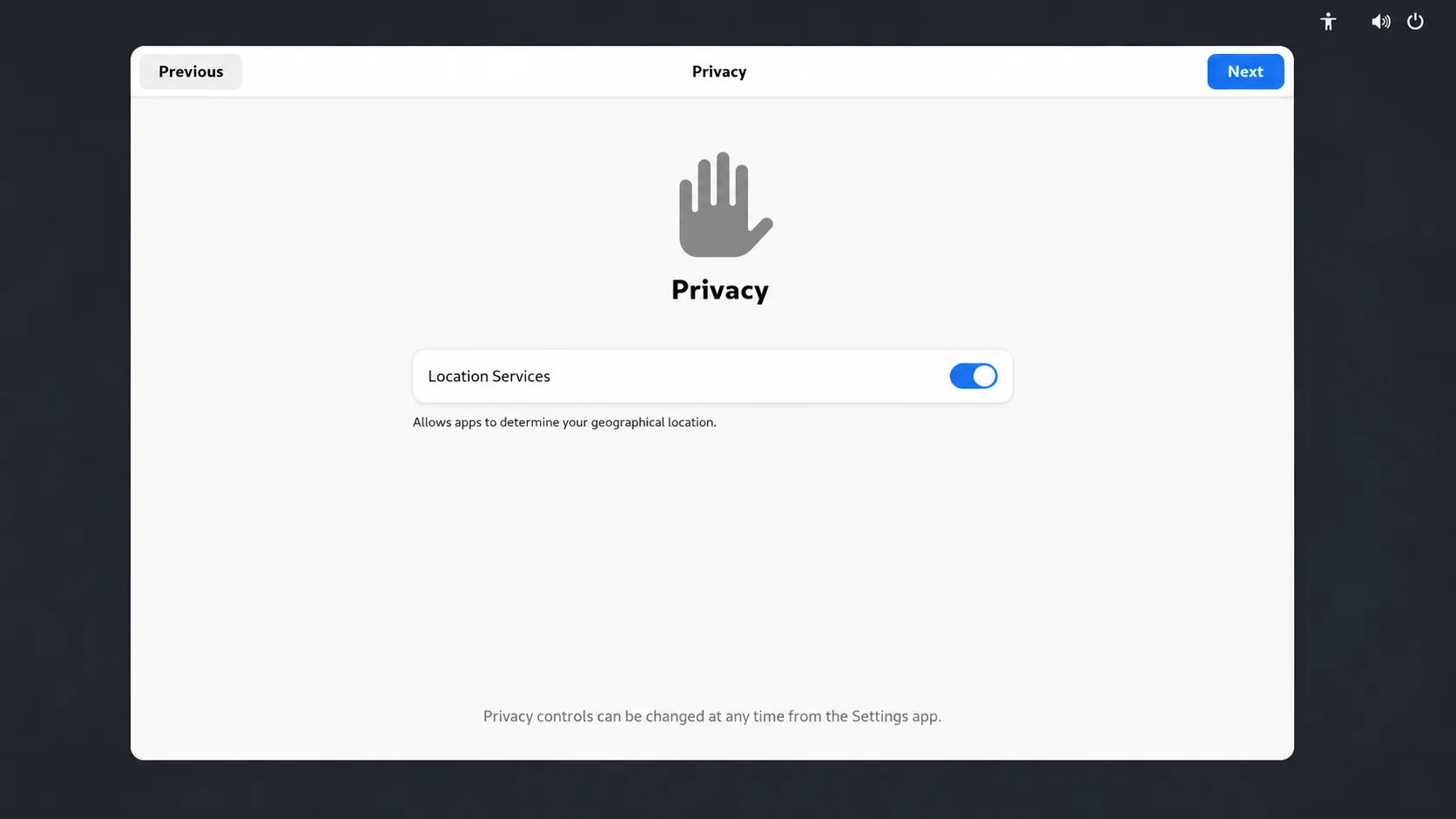
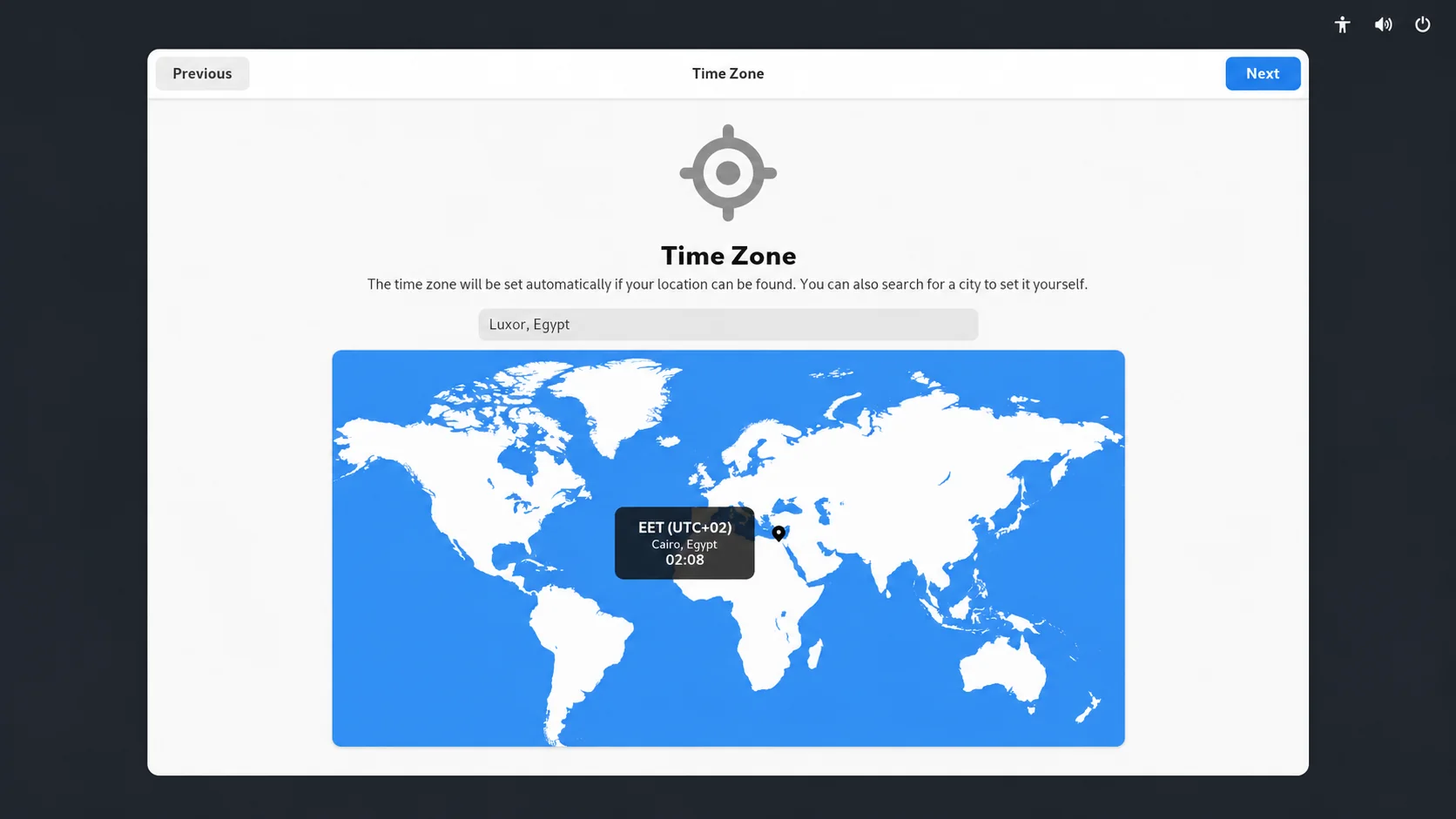
Set the time zone.
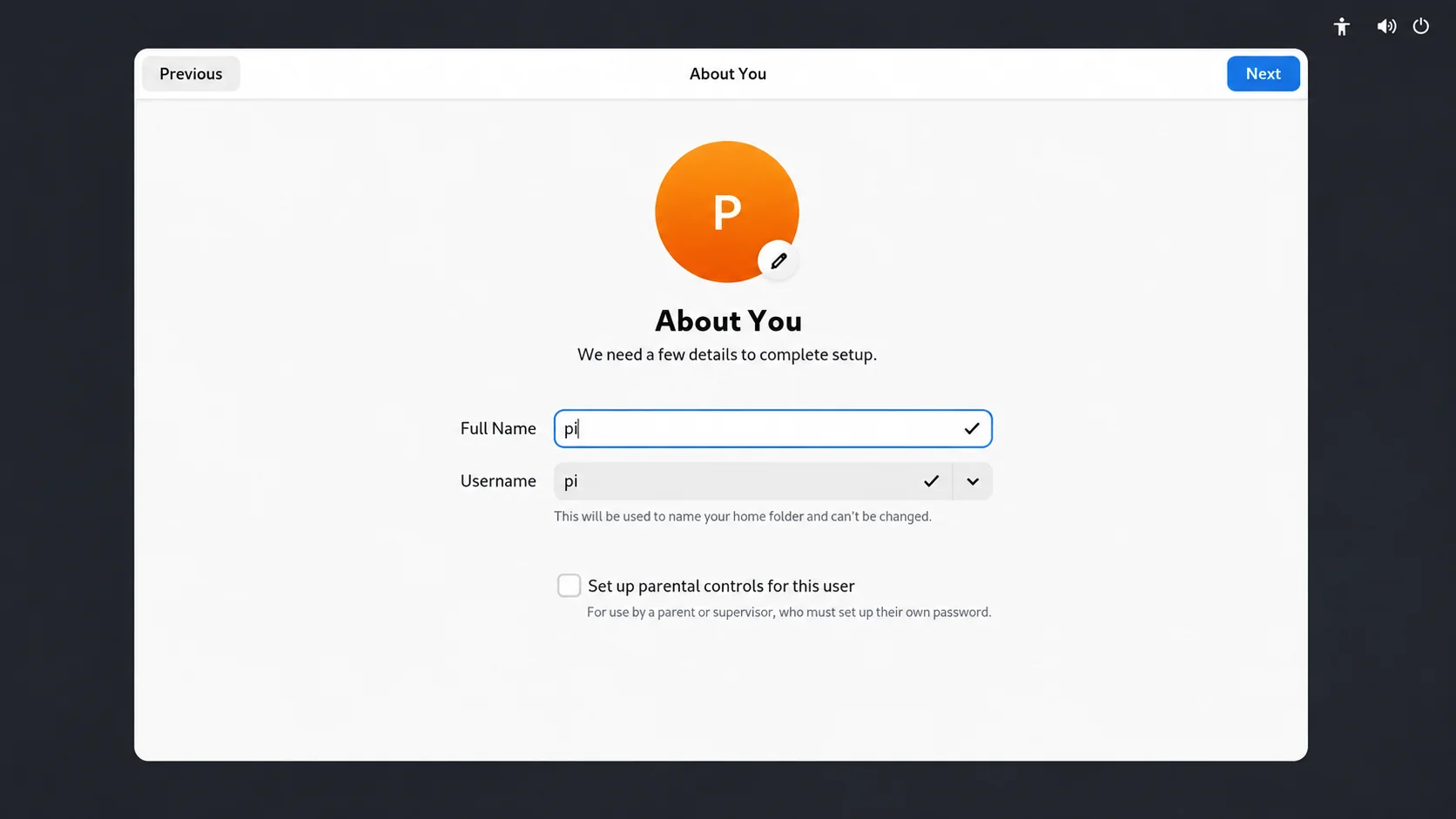
Set the username.
Set the login password.
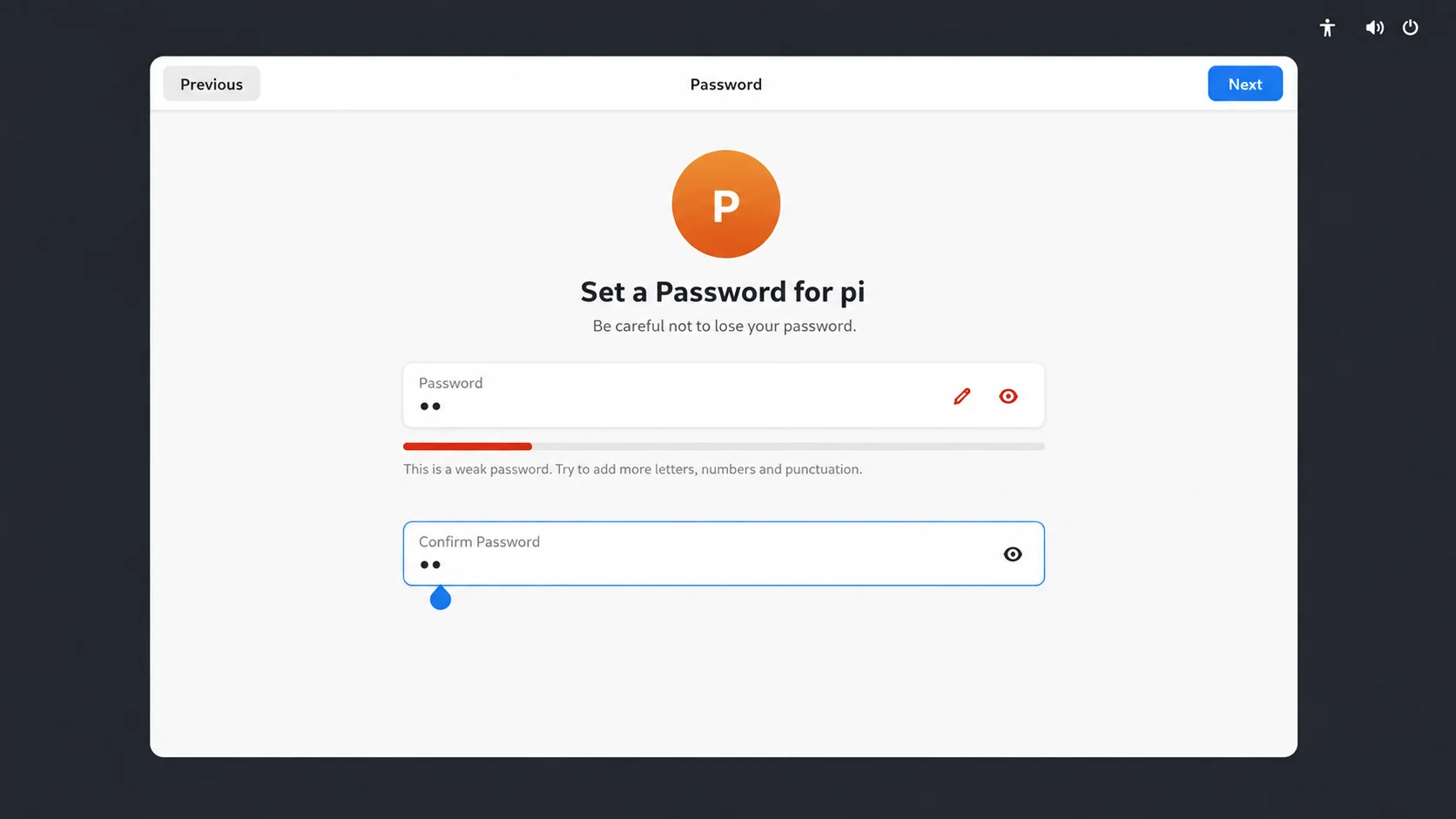
Note: Please remember your username and password, as they will be required for future logins.
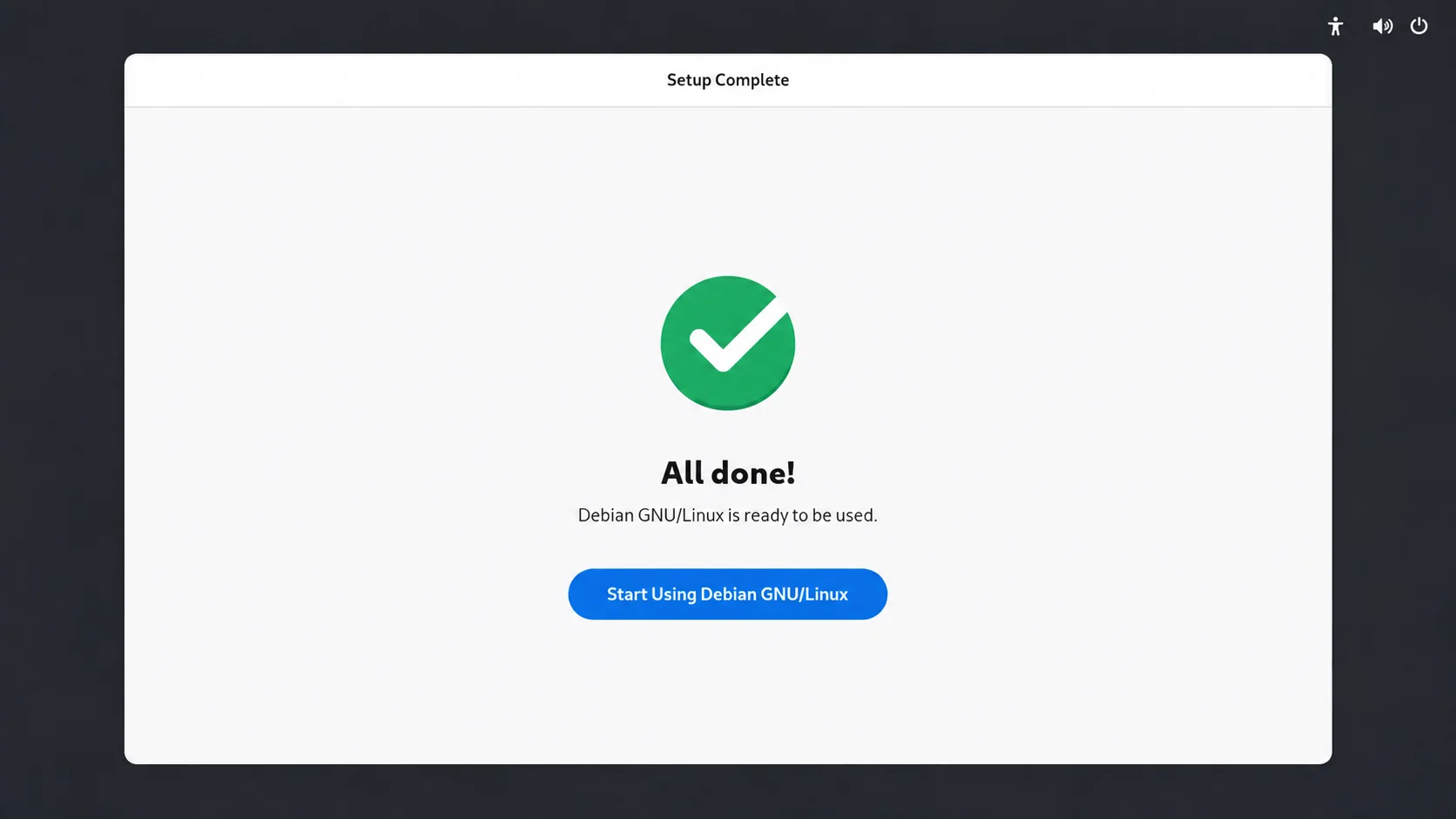
The initial setup is complete.
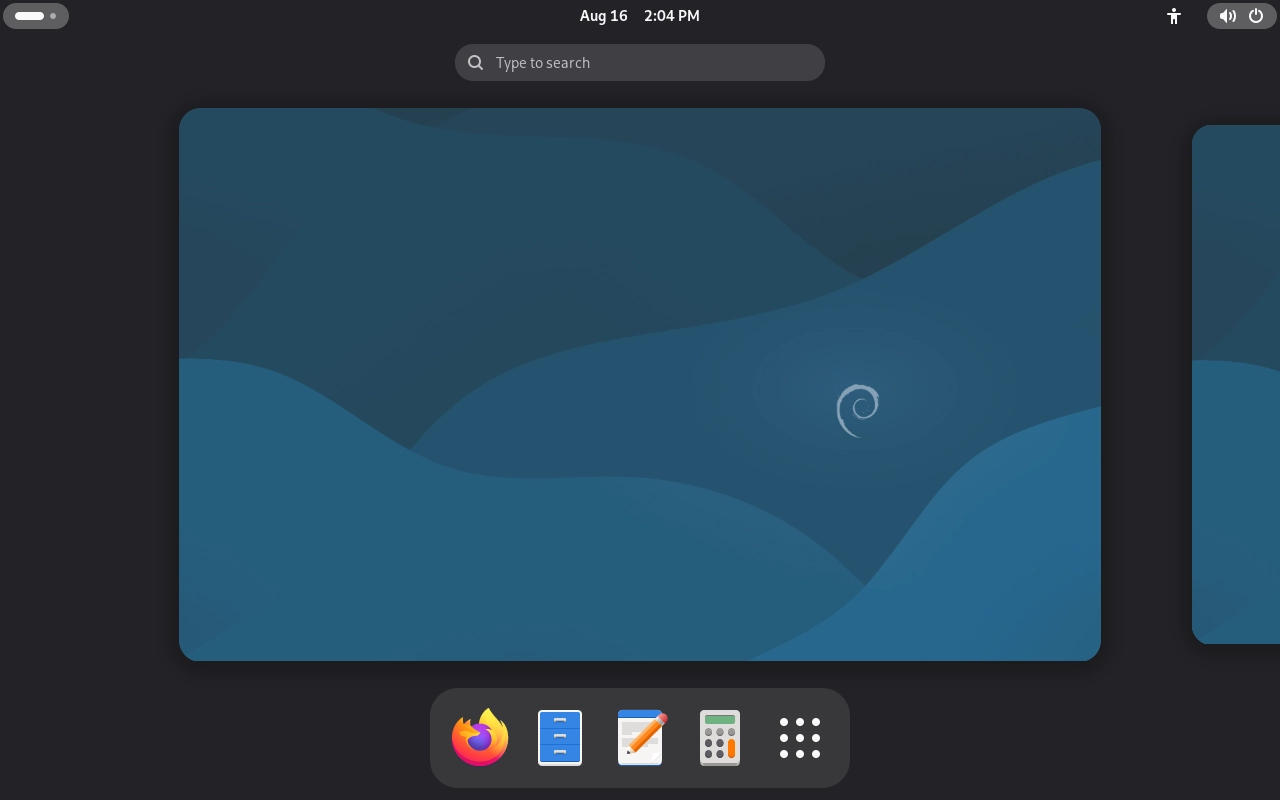
After logging in, the desktop appears as shown below: